
Qrenza
A digital catalog platform with QR menus and real-time orders
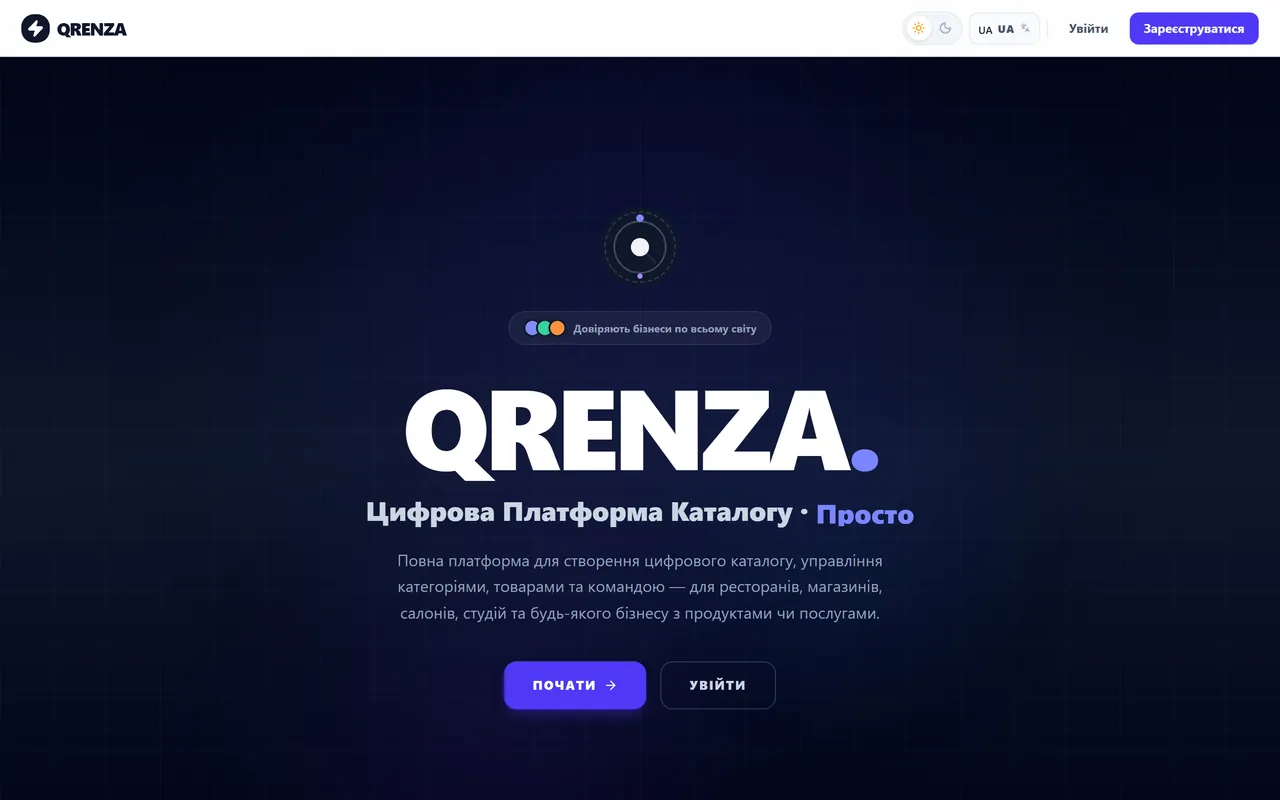
Qrenza replaces the paper menu and the spreadsheet: you keep categories, items, prices and photos in one place, and the customer opens the catalog from a QR code on the table, the counter or the shop window. Orders land on the dashboard straight from the customer’s phone, move through three status steps, and a table map shows where work is happening right now. It fits restaurants, cafés, bars, bakeries, shops, salons and studios — anyone with a list of what they sell.
Sign up in seconds, no credit card. The 14-day trial starts immediately with full access to every feature.
Add categories and items — products, dishes, services. Upload photos, set prices, write descriptions; drag to reorder.
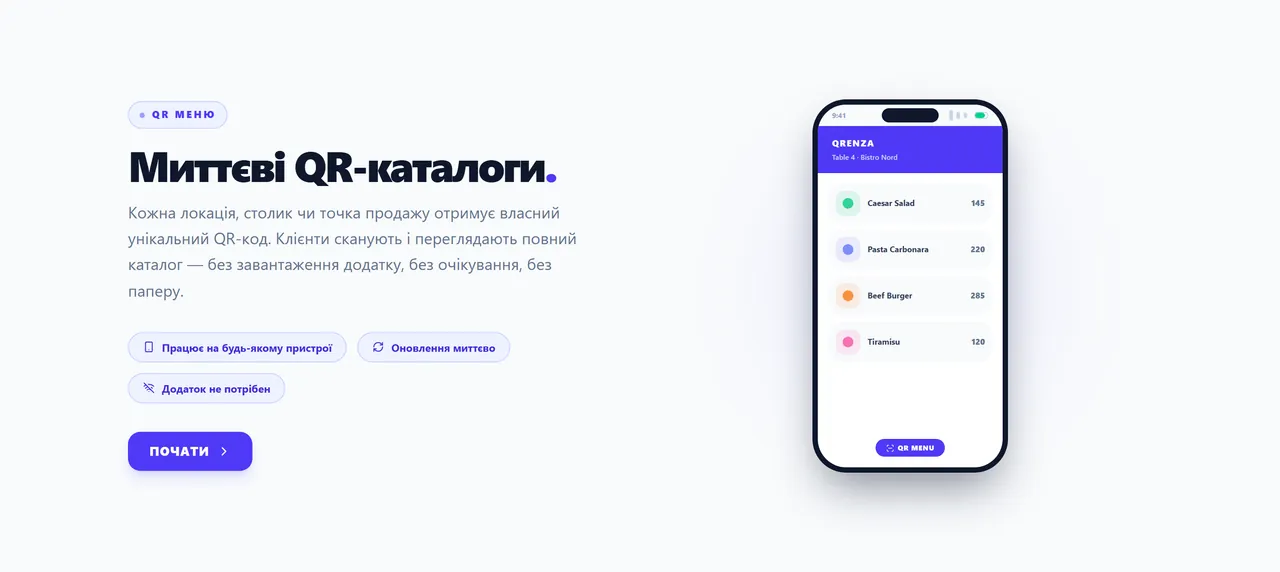
Print your unique QR code and put it anywhere — table, counter, shop window. Customers scan and browse instantly.
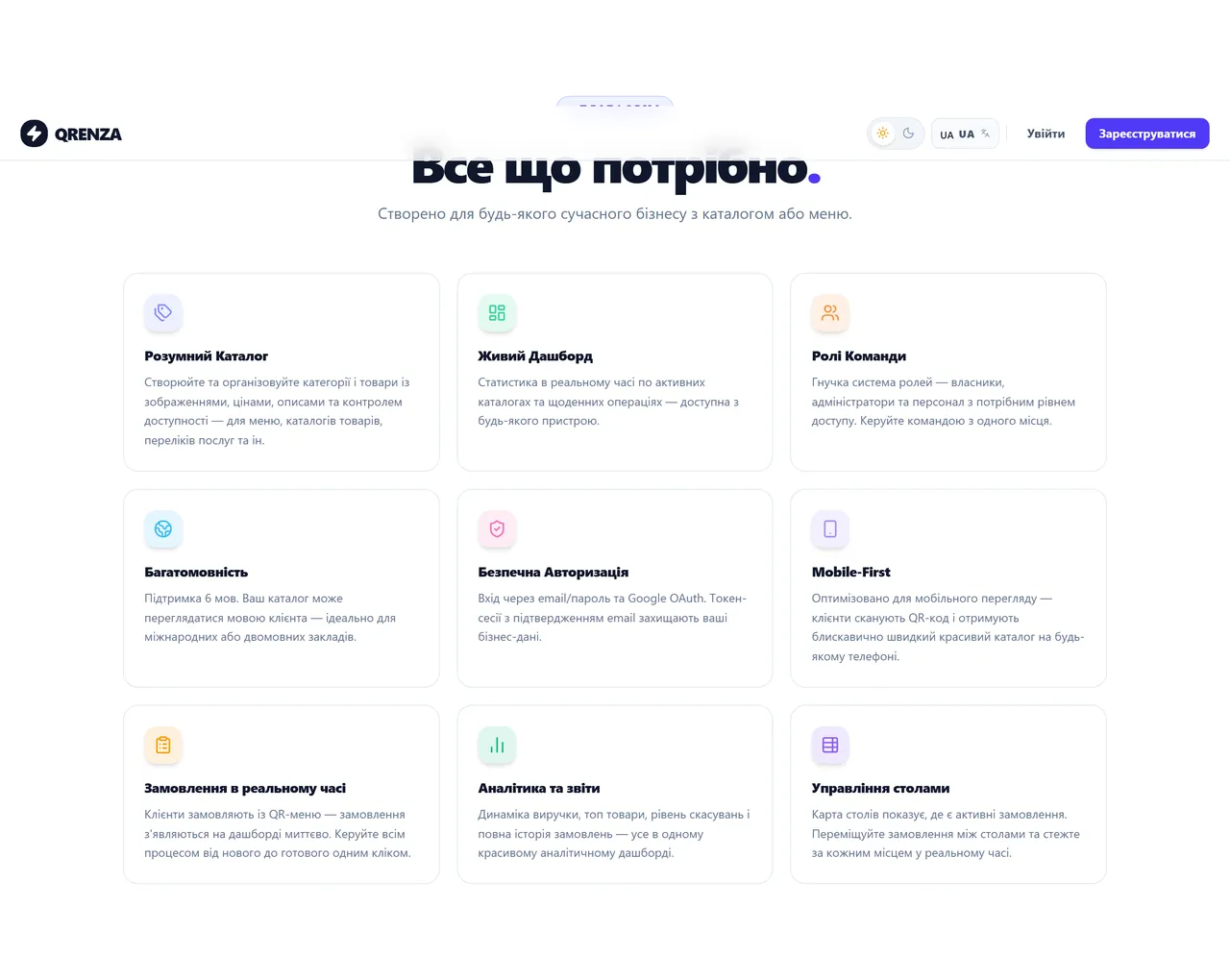
Categories and items with images, prices, descriptions and availability control — for menus, product catalogs or service lists.
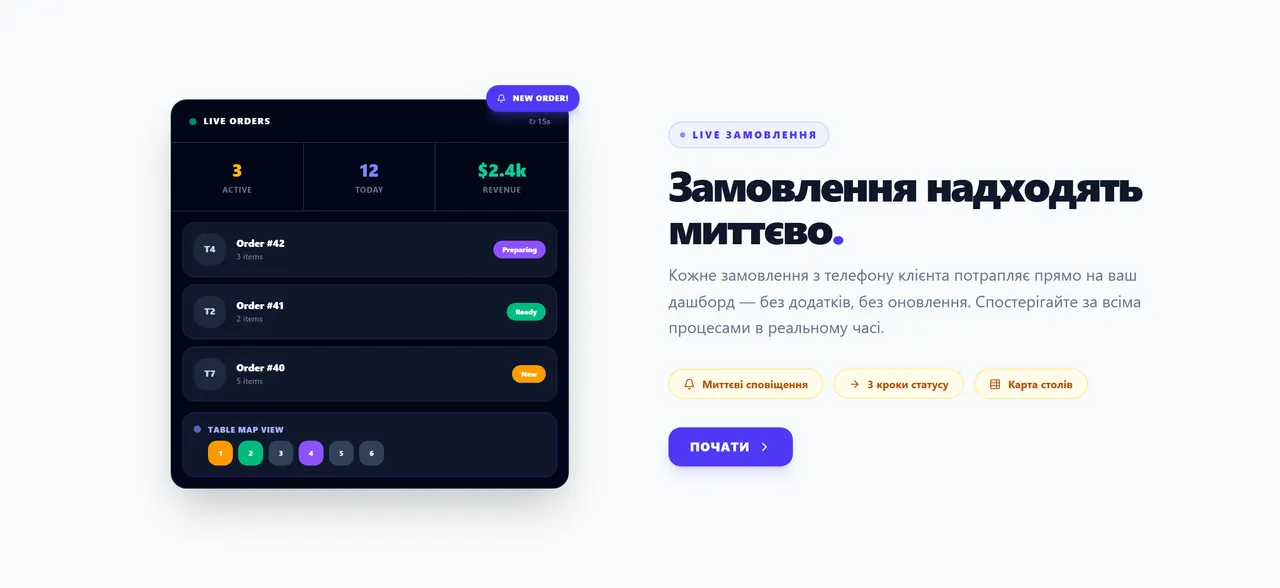
Customers order from the QR menu and the order appears on the dashboard instantly. Three status steps: new → preparing → ready.
A table map shows where the active orders are. Move an order between tables and follow every seat separately.
Real-time statistics on active catalogs and daily operations, reachable from any device.
Revenue over time, top items, cancellation rate and the full order history in one dashboard.
Owners, administrators and staff with the access level each needs. The whole team is managed from one place.
The catalog can be read in the customer’s language — built for bilingual and tourist venues.
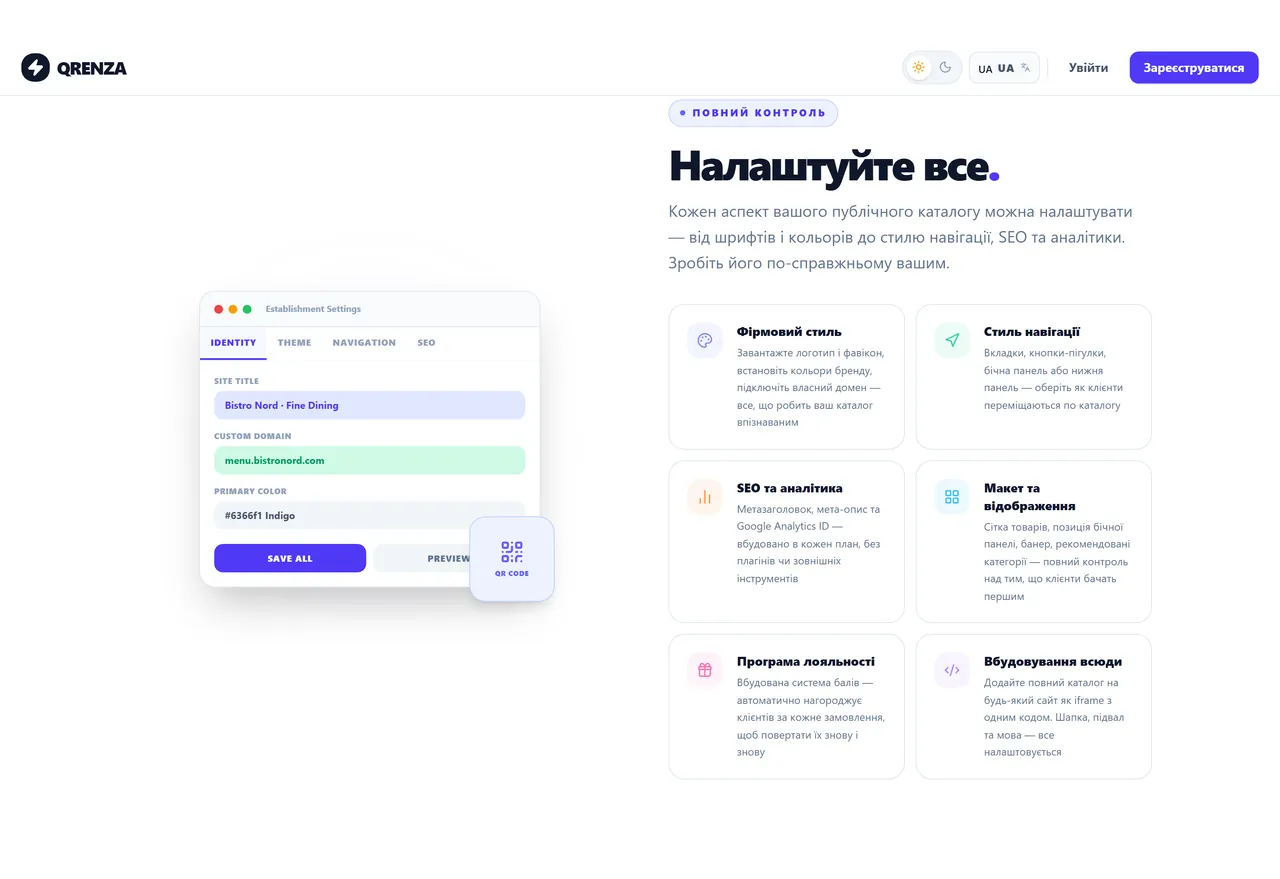
Logo, favicon, colours, navigation style, custom domain, meta tags and a Google Analytics ID — no plugins needed.
Built-in points are awarded automatically for every order, so customers come back.
Drop the full catalog into any website as an iframe with a single snippet.
These blocks emit FAQ markup — they are what brings people in from search and AI answers.
Yes — 14 days with full access to every feature and no credit card. The trial starts the moment you sign up.
Yes. A change to a price, description or availability is visible to customers immediately — the QR code never needs reprinting, it always points at the current catalog.
No. The catalog opens in the phone’s browser after scanning the QR code. The interface is mobile-first, so it works on any device.
Yes. Connect your own domain and set your logo, favicon and brand colours — the catalog looks like part of your own site.
Any business with a list of products or services: restaurants, cafés, bars, bakeries, shops, beauty salons, studios, markets and kiosks.
Yes. Every order moves through three status steps on the dashboard and the table map shows where it is. The full history stays in the system.
On our infrastructure: sign-in with email and password or Google OAuth, token sessions with email confirmation, and access separated by role.