
ShiftPlan
Smarter shifts, happier teams
ShiftPlan replaces the spreadsheet and the "who is on today?" chat. Schedules are built on a calendar board with month, week and day views; shifts repeat on a rule, carry a colour, and can hold several people at once. The moment a schedule is published everyone sees their own shifts and gets a push notification about any change, while overlaps and double bookings are blocked as you type. Managers get shift statistics and a read on the team’s workload.
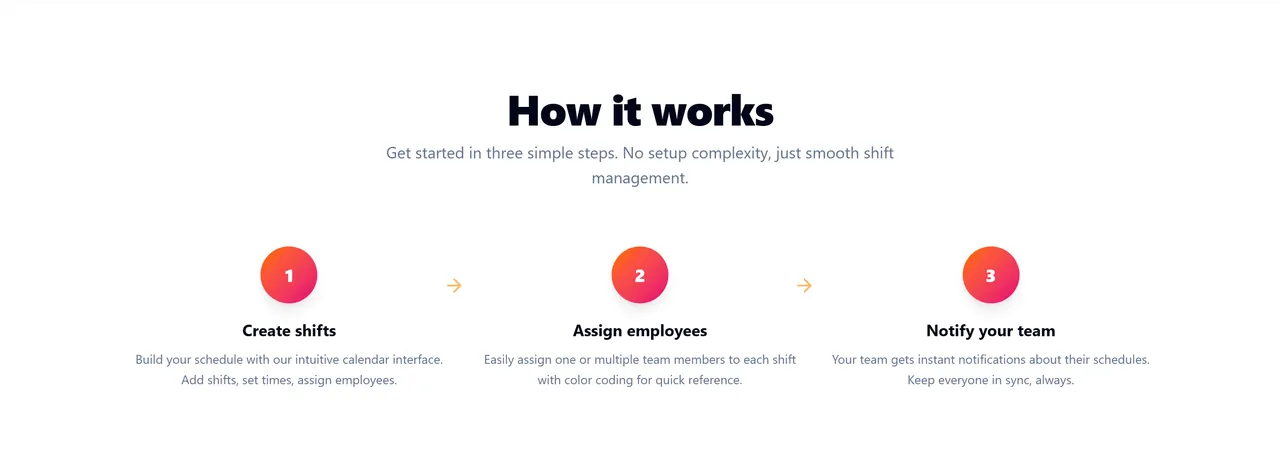
Build the schedule on the calendar: add shifts, set times, assign employees.
Put one or several people on each shift, with colour coding for quick reference.
The team gets instant notifications about their schedule. Everyone stays in sync.
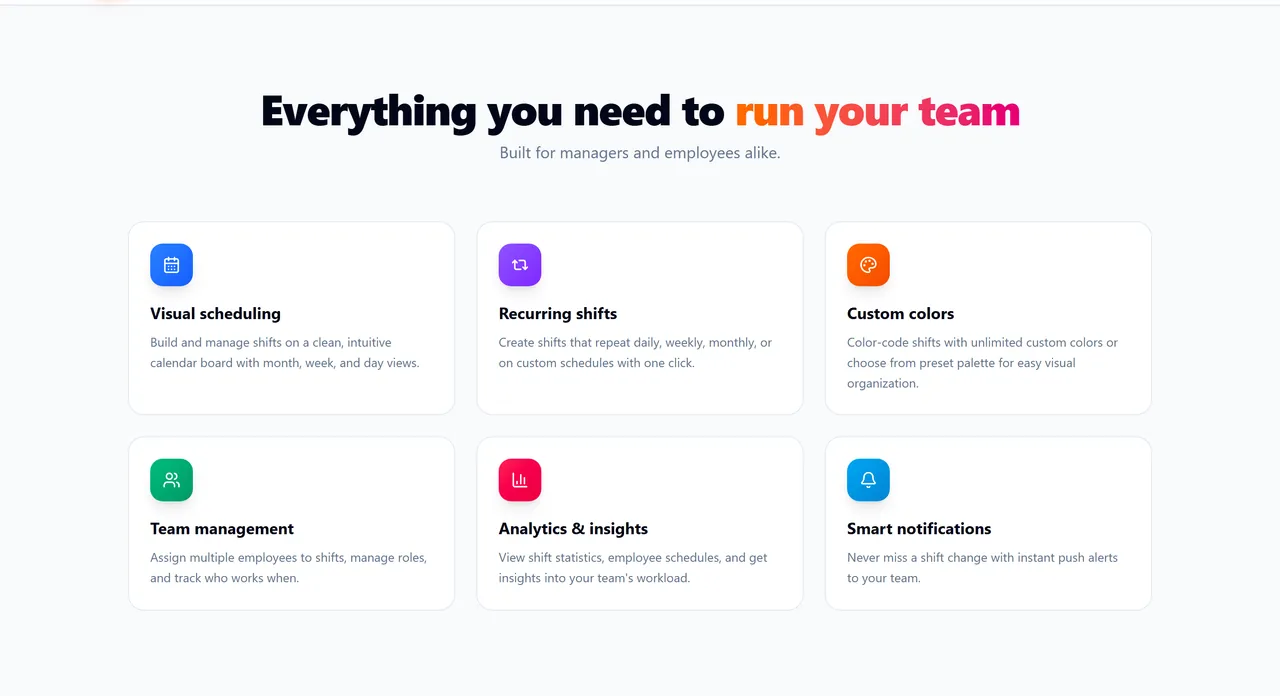
Build and manage shifts on a clean calendar board with month, week and day views.
Shifts that repeat daily, weekly, monthly or on a custom schedule, created with one click.
Colour-code shifts with unlimited custom colours or pick from the preset palette.
Assign several employees to one shift, manage roles, and track who works when.
Shift statistics, per-employee schedules and a clear read on the team’s workload.
Instant push alerts on every schedule change, so nobody misses a shift.
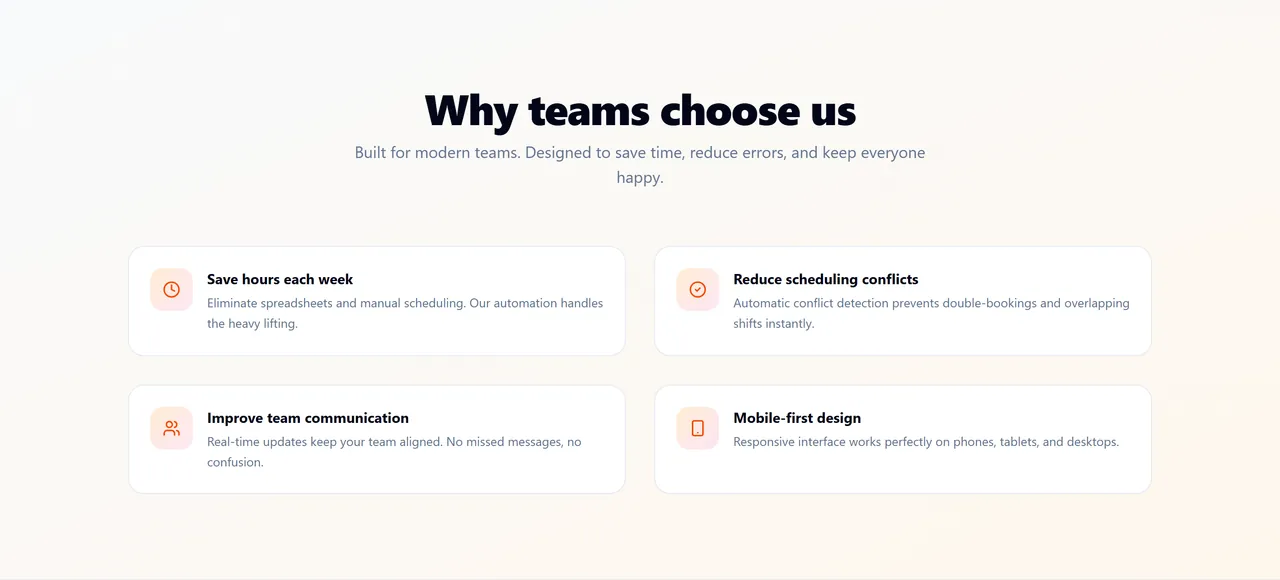
Overlaps and double bookings are detected automatically and blocked before they are saved.
The responsive interface works the same on phones, tablets and desktops.
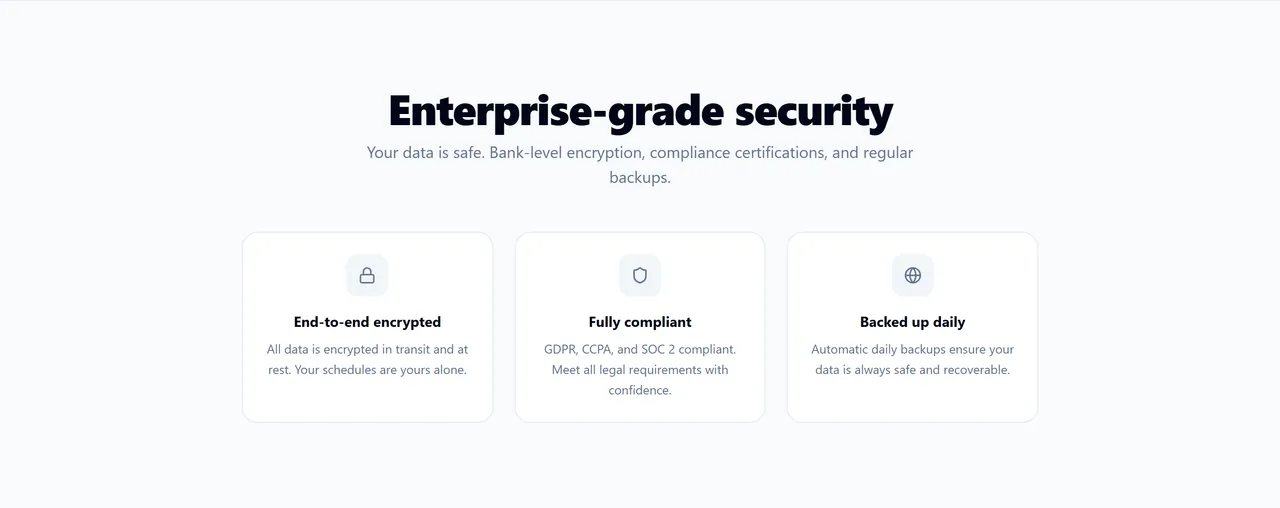
All data is encrypted in transit and at rest — your schedules stay yours alone.
GDPR, CCPA and SOC 2 compliant, with automatic daily backups you can restore from.
These blocks emit FAQ markup — they are what brings people in from search and AI answers.
You can start free and upgrade later — signing up does not require payment.
Conflict detection finds overlaps and double bookings automatically and flags them instantly, before the schedule is published.
Every employee gets an instant push notification. Updates arrive in real time, so the "who is on today?" thread disappears.
Yes. The interface is responsive and mobile-first — the same on phones, tablets and desktops.
Data is encrypted in transit and at rest, the service is GDPR, CCPA and SOC 2 compliant, and backups run daily.